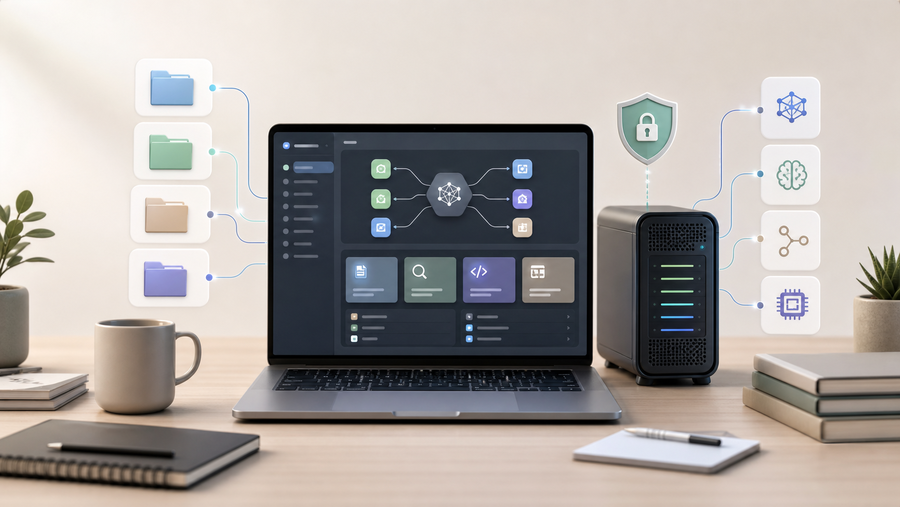

CHEYENNE, WY, June 04, 2026 /24-7PressRelease/ -- Odysseus AI is attracting attention because it answers a question many AI users are now asking: can an AI workspace run closer to a user's own files, models, tools, and memory instead of living entirely inside a hosted chat product?
The short answer is that Odysseus AI is a self-hosted AI workspace. It is not a new foundation model, and it is not primarily an AI video generator. It is better understood as a control layer for connecting language models, organizing files, using memory, running agents, and building a more private AI work surface. As of June 3, 2026, the public pewdiepie-archdaemon/odysseus GitHub repository had drawn more than 34,000 stars and more than 4,000 forks, which shows how quickly interest has moved beyond a small developer audience.
The appeal is easy to understand. Hosted assistants such as ChatGPT and Claude are convenient, but many users are becoming more cautious about where their documents, prompts, scripts, research notes, and project files are stored. A self-hosted workspace gives technical users more control over which models they use, what data they connect, and which tools an agent can access.
Odysseus AI is most relevant for developers, AI hobbyists, privacy-conscious users, and creators who are comfortable with some setup work. It may be useful for people who want one place to keep research, prompts, source files, notes, model experiments, and agent tasks. It is less ideal for someone who wants a zero-setup assistant. Users who simply want to ask questions immediately may still prefer hosted tools or beginner-friendly local model apps.
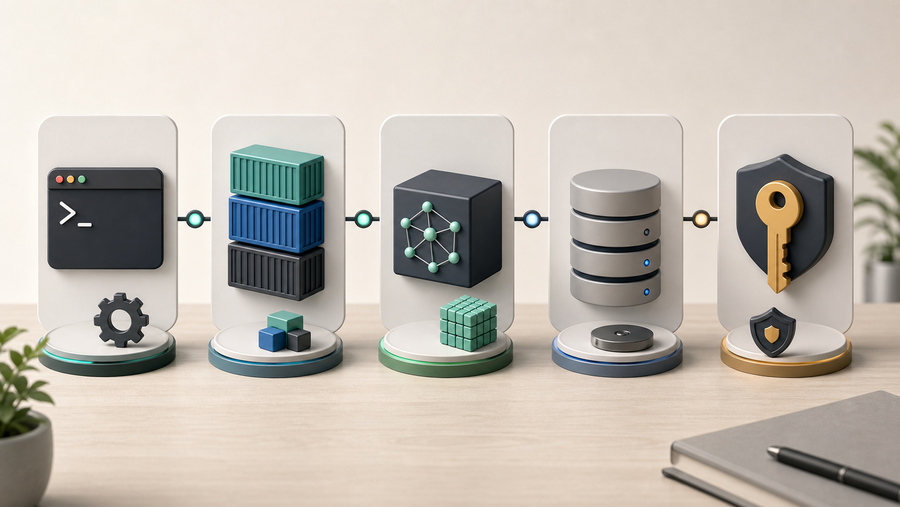
Before installing a self-hosted workspace like Odysseus AI, users should understand the basics: Git, Docker, local or hosted model providers, disk space, ports, and terminal troubleshooting. Installing the workspace does not automatically provide a powerful AI model. A model source still has to be connected, whether that means a local stack such as Ollama, llama.cpp, or vLLM, or an external API provider.
Privacy is also not automatic. Self-hosted software can improve control, but only if it is configured carefully. Users should keep authentication enabled, avoid exposing the workspace publicly before understanding its security settings, test with non-sensitive files, review agent permissions, and know whether model calls are local or being sent to an external API. A local-first tool with broad file, shell, email, or API access should be treated as powerful software, not a toy.
Odysseus AI is often compared with ChatGPT, Claude, Open WebUI, LM Studio, and AnythingLLM, but these tools sit in different parts of the AI workflow. ChatGPT and Claude are polished hosted assistants. Open WebUI is a mature local-model chat interface. LM Studio is friendly for testing local models. AnythingLLM is often used for private assistant and knowledge-base workflows. Odysseus AI is interesting because it aims to be a broader workspace around files, memory, agents, tools, and model flexibility.
One common misunderstanding is that Odysseus AI replaces every creative AI tool. It does not. For creators, the strongest use case is planning and organization: collecting references, writing scripts, saving prompts, comparing ideas, and keeping production notes in one place. When the final output requires specialized media generation, a focused tool is still the better choice.
For example, a creator making a reference-motion character video can use https://motioncontrolai.ai/motion-control to upload a character image and guide the result with a reference action video. If the clip needs believable mouth movement or speech timing, https://lipsyncx.com/ is built for lip sync workflows. If the project involves celebrity-style AI creative concepts, https://celebrityai.club/ provides a more relevant starting point for that category of content.
A practical workflow is simple: use Odysseus AI or another private workspace to prepare the brief, collect references, write the script, and preserve prompt history. Then use the right specialist tool for the output: motion control for body movement, lip sync for speech alignment, and a dedicated celebrity-style workflow when the concept requires it. After testing, bring notes and results back into the workspace so the next version starts with better context.
The useful takeaway is that Odysseus AI matters because it reflects a larger shift from single chat windows toward personal AI workspaces. Users want memory, files, tools, agents, and model choice in one place. But the best AI workflow is not one tool doing everything. It is a clear stack where the workspace handles context and specialist tools handle the final creative result.
More practical AI video workflow resources are available at https://motioncontrolai.ai/.
About MotionControlAI.ai
MotionControlAI.ai is an AI video generation platform focused on motion-control workflows. The site helps users upload a character image, choose or upload a reference motion video, and generate character videos that follow the selected action. MotionControlAI.ai also publishes practical AI video workflow guides for creators, marketers, and product teams.
Website: https://motioncontrolai.ai/
Related creator tools: https://lipsyncx.com/ and https://celebrityai.club/
# # #
Other Media
Contact Information
David crane
Gold Water Tech
Cheyenne, Wyoming
United States
Telephone: 7022897091
Email: Email Us Here
Website: Visit Our Website
Blog: Visit Our Blog